A hidden adware app
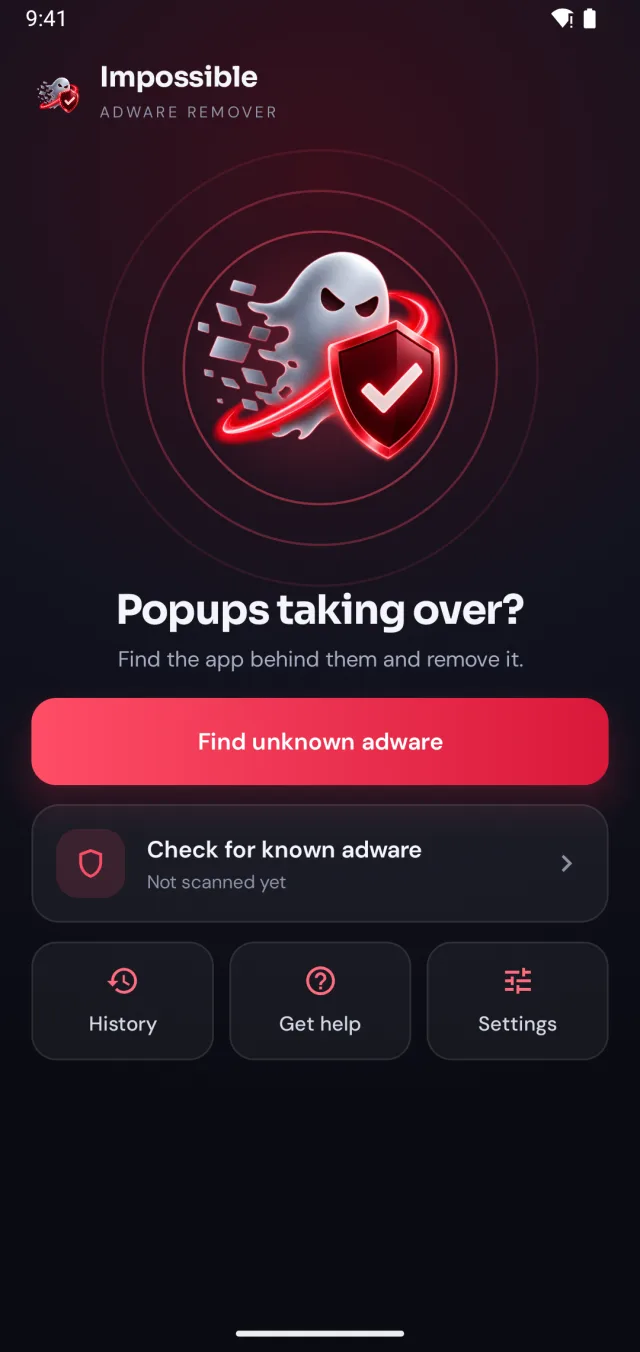
Full-screen ads over the home screen, when you unlock or over other apps. It came with a free app, sometimes one that still works perfectly. This is what Impossible Adware Remover finds.
 ImpossibleAdware remover
Get the app
ImpossibleAdware remover
Get the app
Random ads on Android
Because an app on your phone is showing them, and it’s doing its best not to get caught. Here’s where the ads come from, and how to find the exact app in minutes instead of guessing.
Free to find · €4.99 to reveal & remove · no subscription
Short answer
Ads keep popping up on your phone because an installed app, usually adware hidden in a free app, has permission to draw over your screen and shows ads on a timer or when you unlock. Ads only inside Chrome come from websites. To stop the pop-ups, find and uninstall the app; Impossible Adware Remover catches it after about two pop-ups.
Where the ads come from
Full-screen ads over the home screen, when you unlock or over other apps. It came with a free app, sometimes one that still works perfectly. This is what Impossible Adware Remover finds.
Pop-ups only while browsing, or notifications from a site you allowed. Chrome → Settings → Site settings → turn off pop-ups and notifications for that site.
Lock screen stories or offers in system apps. Switched off in Settings; see Glance and Xiaomi, Oppo, Vivo.
Why they keep coming back
Adware makes money for every ad you see, so it’s designed to stay on your phone as long as possible. It waits days before showing the first ad, so you don’t link it to the app you just installed. It hides its icon or uses a name like “System Service”. And it often lives inside an app that really works, so you’d never suspect your QR scanner.
That’s why “uninstall suspicious apps” fails: nothing looks suspicious. The only reliable signal is the moment the ad appears, and which app put it there. That’s exactly what Impossible Adware Remover watches.
The fix
Impossible Adware Remover doesn’t make you guess. It watches which app puts windows on top of your screen and catches it in the act.
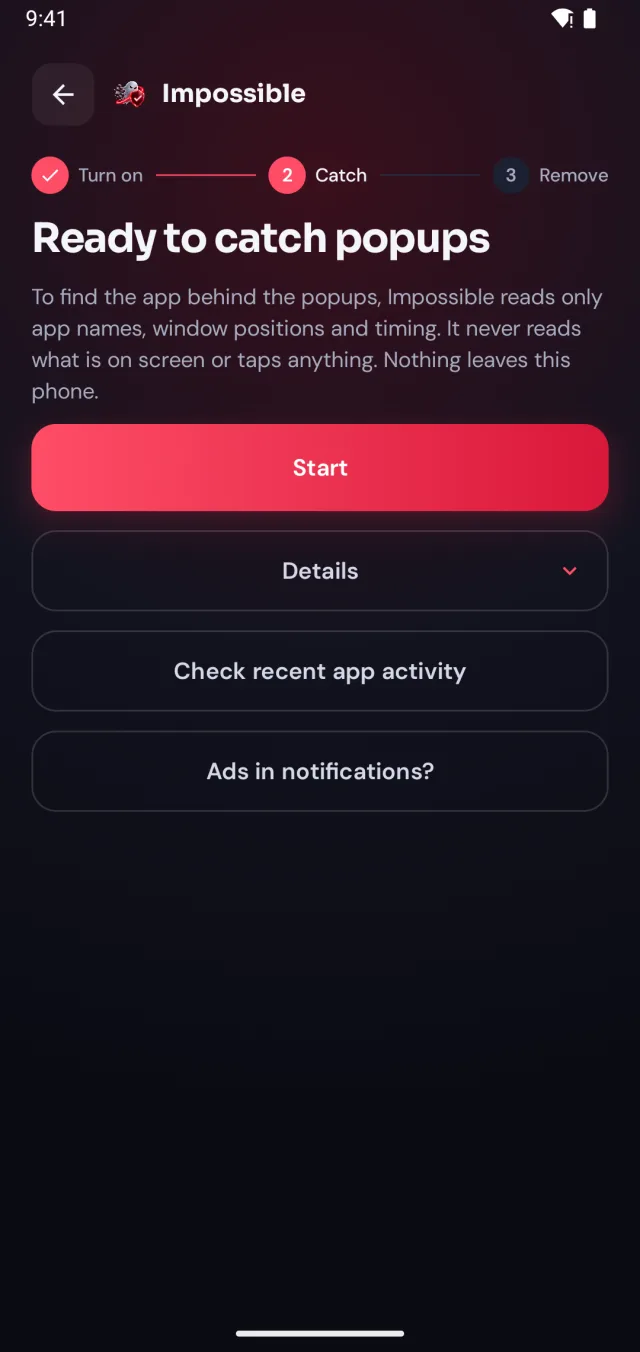
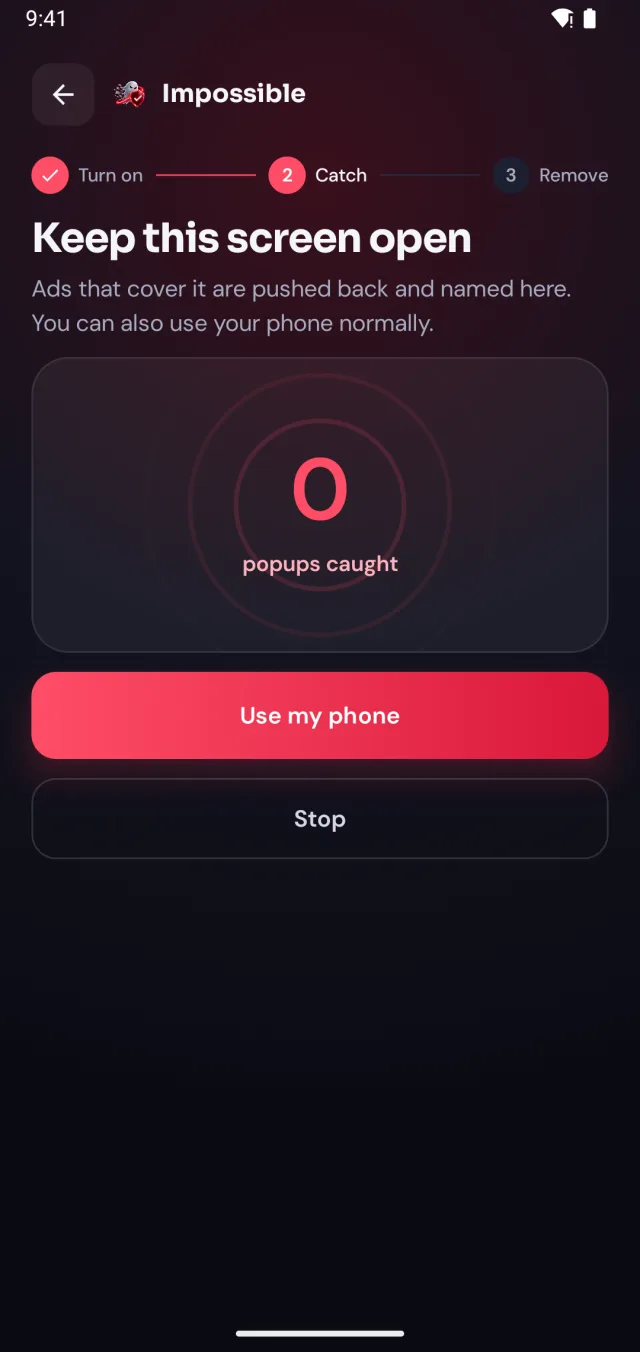
A few taps in Android’s settings, guided step by step. Impossible Adware Remover only sees which app is on screen and when, never what’s on it.
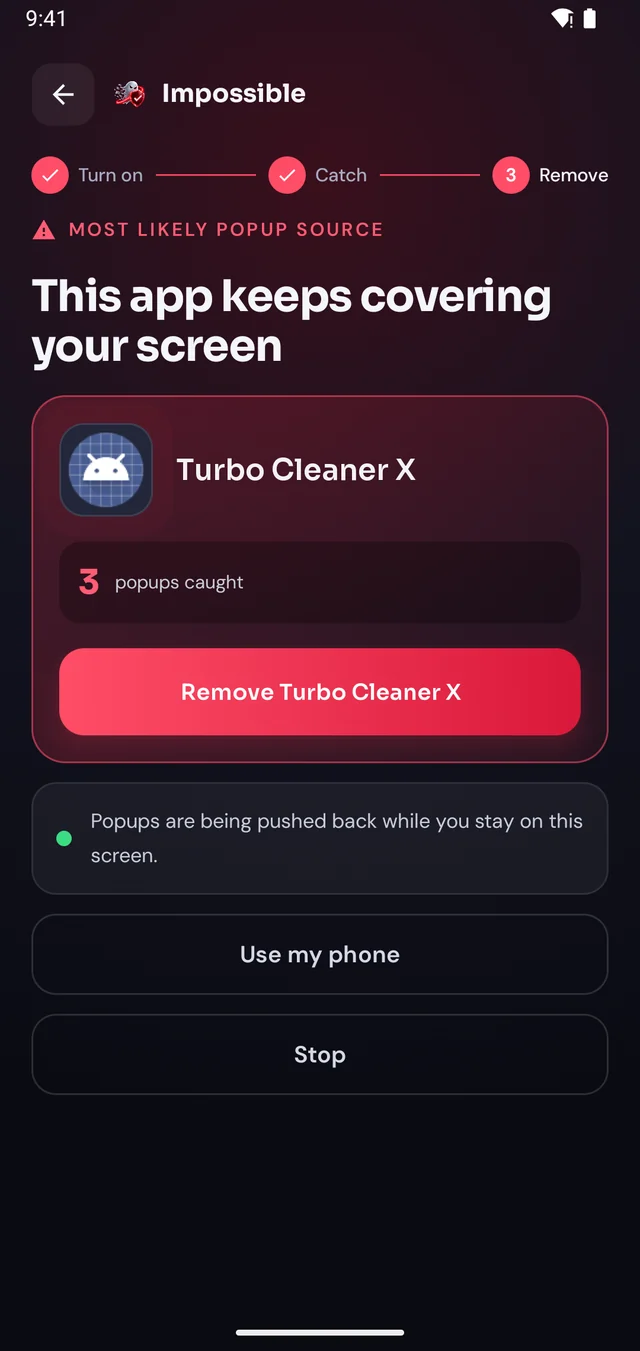
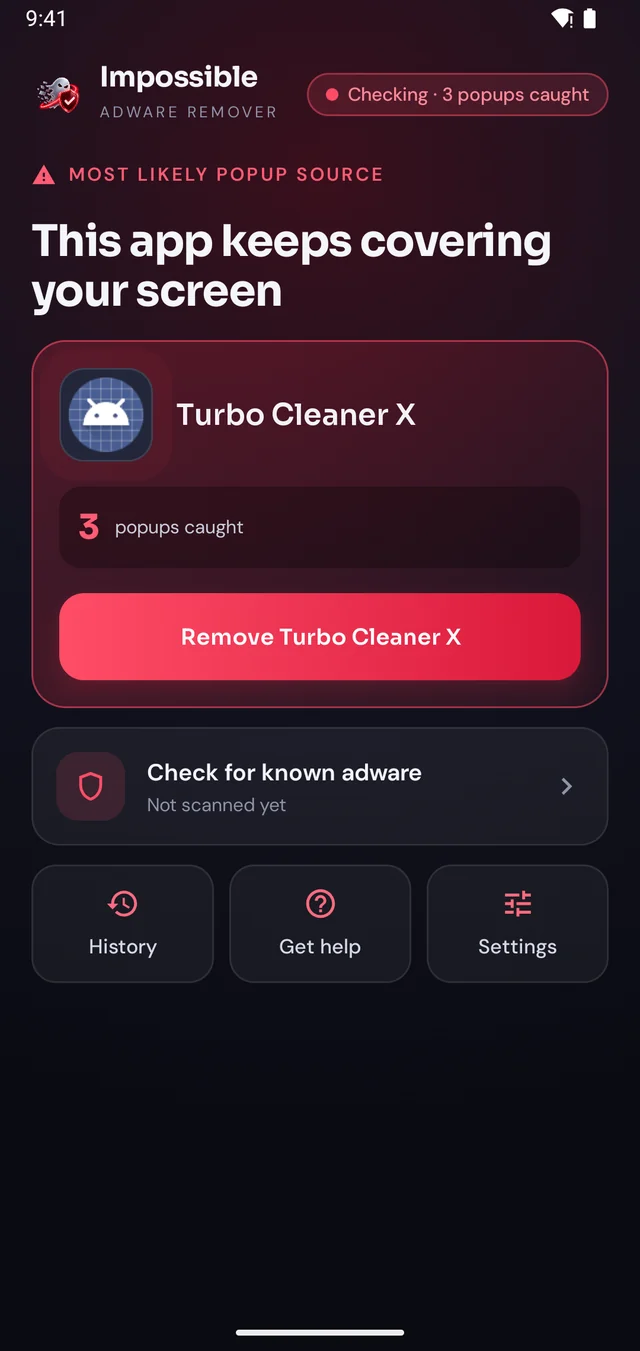
When the next pop-up lands, Impossible Adware Remover notes who sent it. After about two pop-ups it catches the app, even if it hides inside another app.
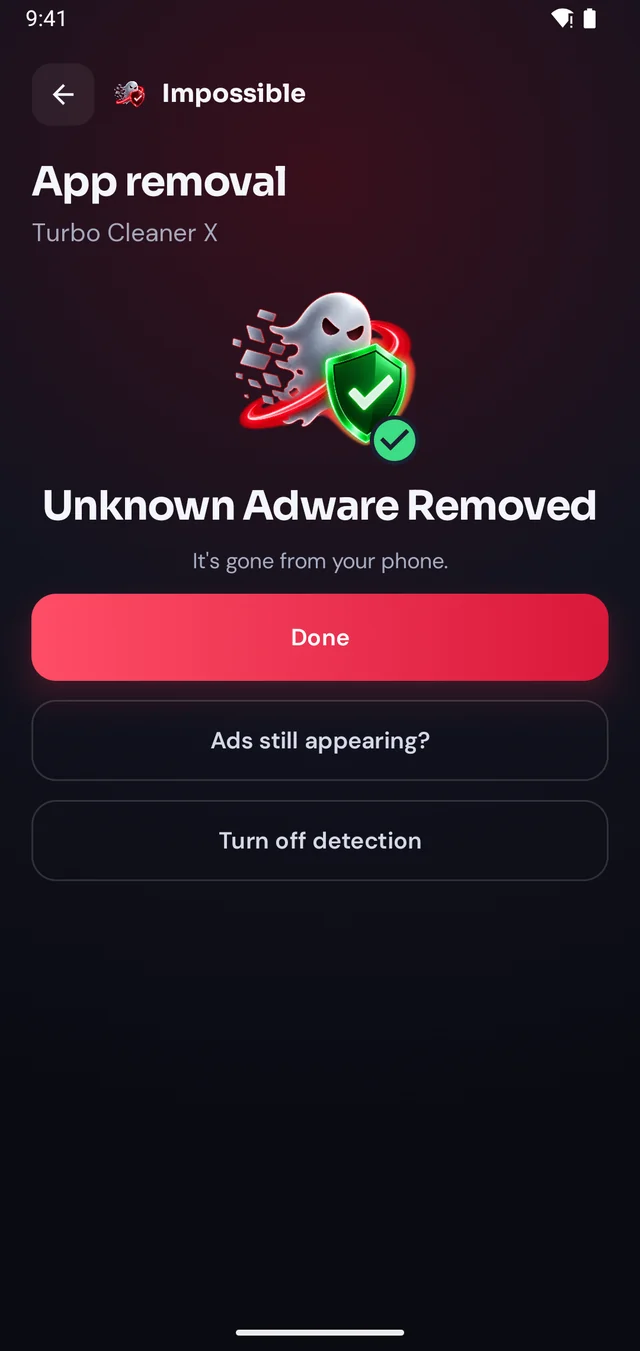
Finding it was free. Pay €4.99 once to see which app it is, then Android’s own uninstall dialog opens with a removal shield. Gone for good.
The pop-up shield
Stay on Impossible Adware Remover’s screen and every pop-up that tries to cover it is pushed back and counted. Finally, a calm screen where you can see what’s going on, find the app and remove it, without fighting your own phone.
FAQ
Pop-up ads outside your apps almost always come from an installed app, usually adware hidden in a free game, flashlight, cleaner or QR scanner. It shows full-screen ads on a timer or when you unlock your phone. Ads that appear only in Chrome come from websites instead.
Adware often waits a few days after installation before it starts, so the ads seem to come from nowhere. An update to an app you already had can also add adware. Impossible Adware Remover finds the app by watching which one actually draws the pop-up.
Usually it’s adware: an app that makes money by showing you ads. People call it a “pop-up virus”, and it behaves like one: it hides and comes back. See pop-up ads virus on Android.
A reset removes the adware, but also everything else, and if you reinstall the same app from your backup, the ads come back. Finding the one app is faster and keeps your phone as it is.
Find the app that sends them and uninstall it. With Impossible Adware Remover: turn on detection, keep using your phone, and after about two pop-ups it catches the app and gives you a Remove button.

Finding the app is free. You pay €4.99 once, only when Impossible Adware Remover has caught it. If the ads come back within 7 days, the next reveal is on us.
Get it onGoogle Play