
Glance lock screen ads
How to remove Glance from your lock screen.
Glance is a setting, and it’s off in thirty seconds. But if ads still cover the screen when you unlock, that’s not Glance. It’s an app, and Impossible Adware Remover can tell you which.
Free to find · €4.99 to reveal & remove · no subscription
Short answer
To remove Glance from the lock screen, open Settings and search “Glance”. On Samsung: Settings → Lock screen and AOD → Wallpaper services → None. On Xiaomi and Redmi: Settings → Lock screen → Glance → off. If full-screen ads still appear when you unlock, they come from an installed app; Impossible Adware Remover catches it after about two pop-ups.
Turn off Glance
Thirty seconds in Settings
- Open Settings and type Glance in the search bar. That’s the fastest way on any phone.
- Samsung: Settings → Lock screen and AOD → Wallpaper services → choose None.
- Xiaomi, Redmi, Poco: Settings → Lock screen → Glance → turn it off.
- Motorola, Realme, others: look under Lock screen or Wallpaper settings for Glance and switch it off.
Still getting ads when you unlock? Glance only shows stories on the lock screen itself. Full-screen ads that jump up after you unlock come from an installed app. Keep reading.
When it isn’t Glance
Ads when you unlock? That’s an app.
Adware loves the unlock moment: it’s the one time you’re guaranteed to be looking. The app listens for the screen turning on and fires a full-screen ad, before you’ve opened anything. No lock screen setting stops it, because it isn’t part of your lock screen.
The app behind it usually hides: no icon, a system-sounding name, or inside a normal app you use. Impossible Adware Remover catches it the moment it draws the next ad.
The fix
Catch the app in the act.
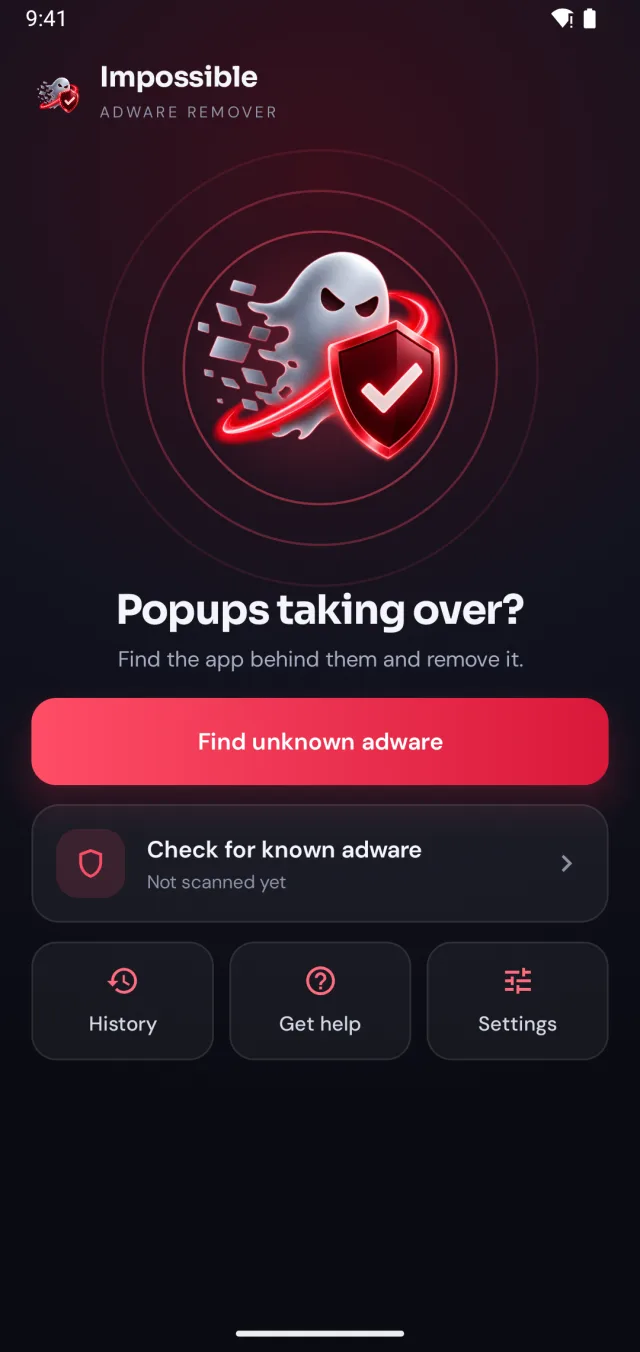
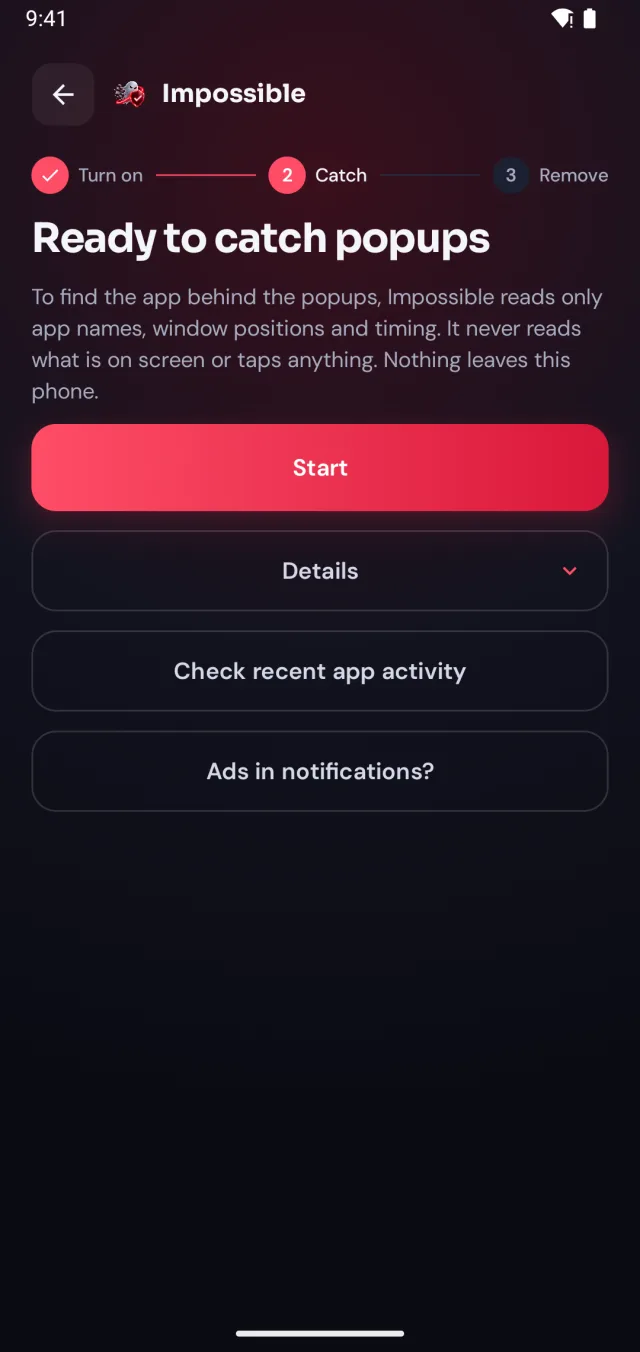
Impossible Adware Remover doesn’t make you guess. It watches which app puts windows on top of your screen and catches it in the act.
-
 1
1Turn on detection, once
A few taps in Android’s settings, guided step by step. Impossible Adware Remover only sees which app is on screen and when, never what’s on it.
-
2
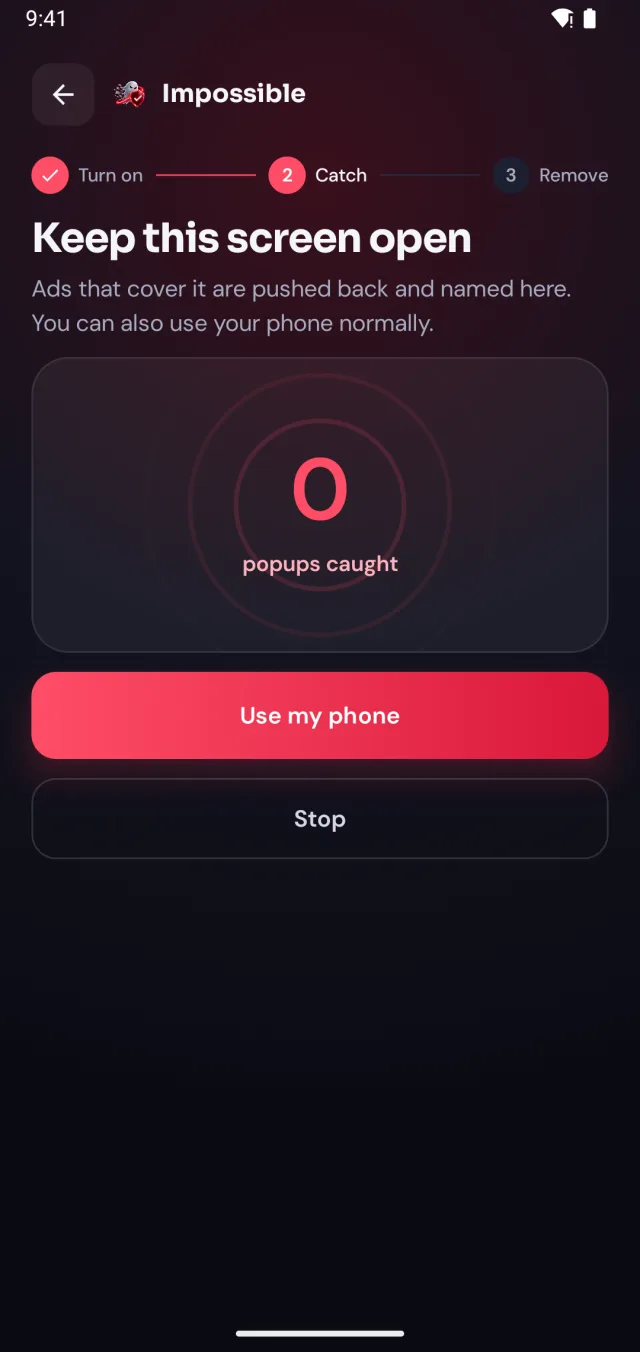
Keep using your phone
When the next pop-up lands, Impossible Adware Remover notes who sent it. After about two pop-ups it catches the app, even if it hides inside another app.
-
3
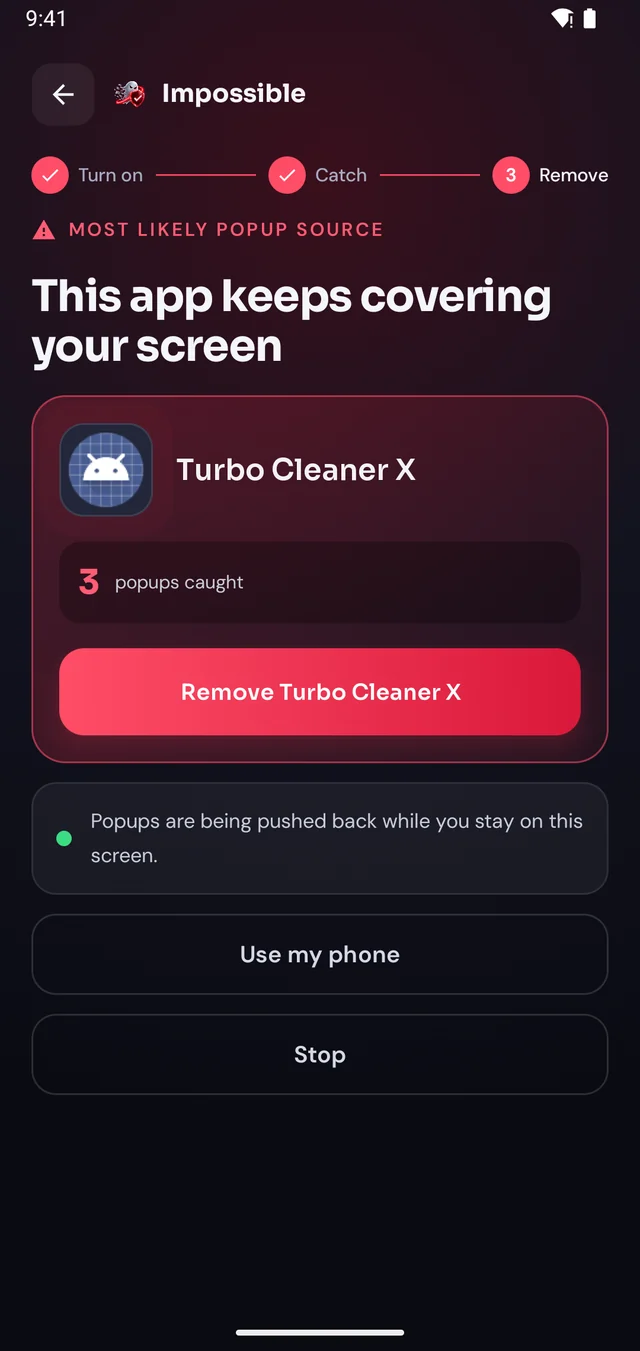
Reveal it, remove it
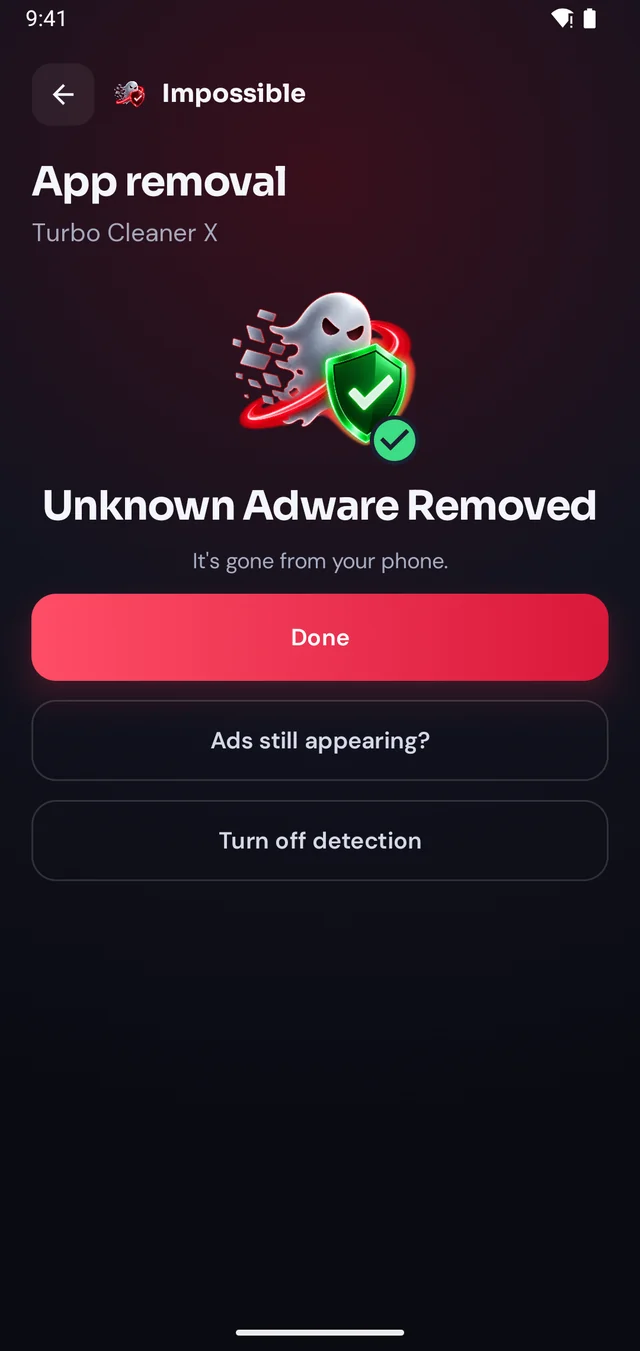
Finding it was free. Pay €4.99 once to see which app it is, then Android’s own uninstall dialog opens with a removal shield. Gone for good.
The pop-up shield
Pop-ups get pushed back.
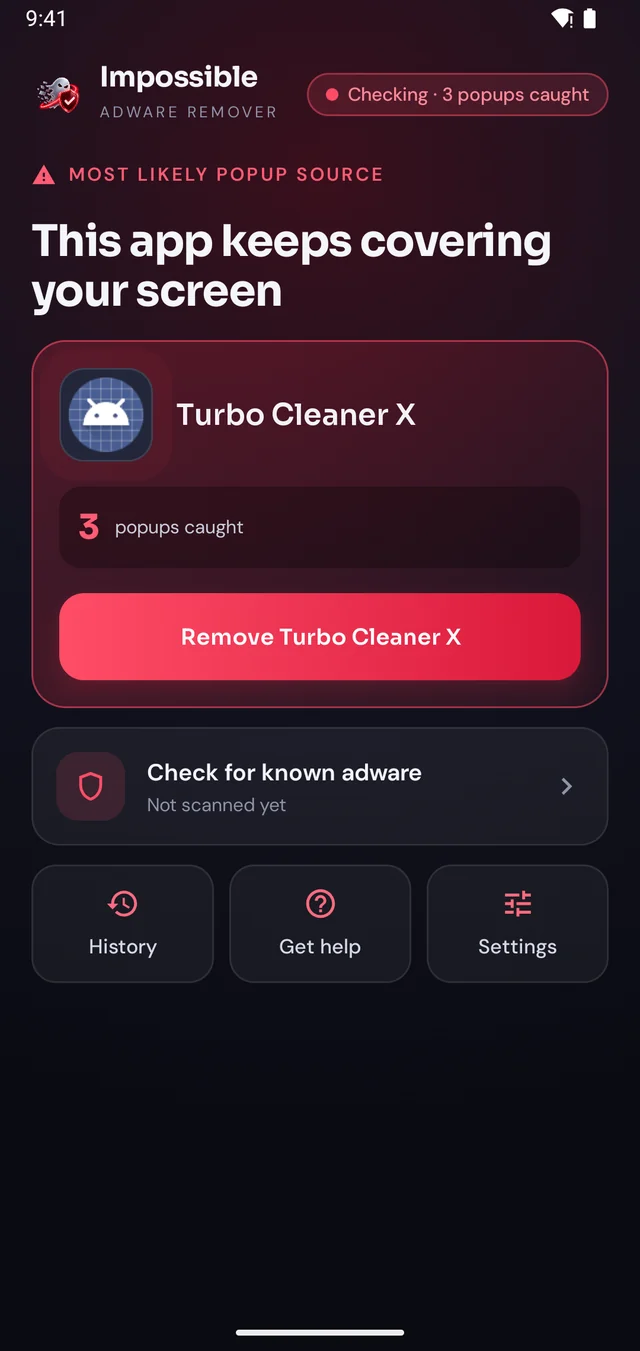
Stay on Impossible Adware Remover’s screen and every pop-up that tries to cover it is pushed back and counted. Finally, a calm screen where you can see what’s going on, find the app and remove it, without fighting your own phone.
- Live counter of every pop-up caught
- The source app named right there on screen
- A removal shield while you uninstall it
FAQ
Questions, answered.
How do I remove Glance from my lock screen?
Open Settings and search for “Glance”. On Samsung go to Settings → Lock screen and AOD → Wallpaper services → None. On Xiaomi, Redmi and Poco look for Settings → Lock screen → Glance and turn it off. On Motorola, Realme and others it’s under the lock screen or wallpaper settings.
Is Glance a virus?
No. Glance is a lock screen content service that some phone makers pre-install. It shows stories, news and promoted content on the lock screen. It’s switched off in Settings, not removed like adware.
Can I uninstall Glance completely?
On most phones Glance is part of the system and can’t be uninstalled, only turned off. Once it’s off, the lock screen stories stop.
I turned off Glance but still see ads on the lock screen. Why?
Then the ads aren’t Glance. Full-screen ads that appear when you unlock come from an installed app with permission to draw over other apps. Impossible Adware Remover catches that app after about two pop-ups.
Does turning off Glance stop all lock screen ads?
It stops Glance’s stories and offers. Ads that pop up over the lock screen or right after you unlock come from an app, and need that app removed.
Catch the app behind the pop-ups.
Remove it for good.
Finding the app is free. You pay €4.99 once, only when Impossible Adware Remover has caught it. If the ads come back within 7 days, the next reveal is on us.
Get it onGoogle Play