Ads in Chrome
Pop-ups and redirects while browsing, or notifications from sites. Chrome → Settings → Site settings: block pop-ups and redirects, and remove sites under Notifications.
 ImpossibleAdware remover
Get the app
ImpossibleAdware remover
Get the app
Blocking ads on Android
There are three kinds of ads on an Android phone, and each one is stopped differently. Two take a setting. The third, full-screen pop-ups over everything, only stops when you remove the app behind it.
Free to find · €4.99 to reveal & remove · no subscription
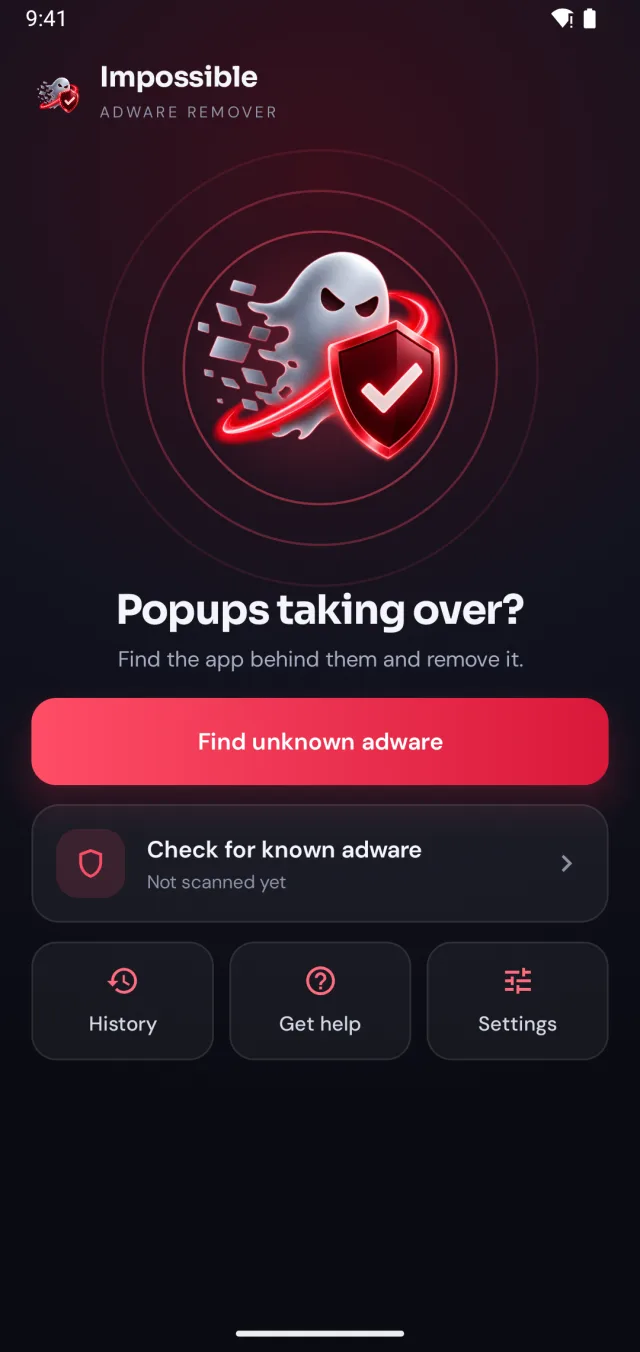
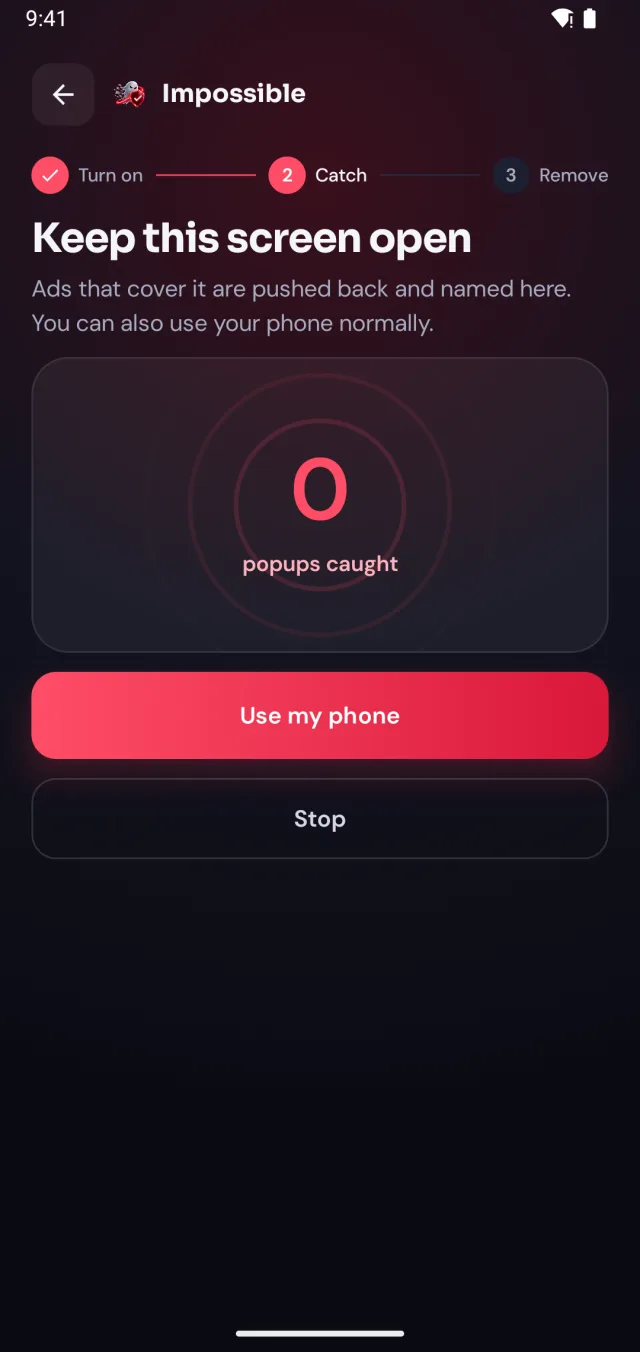
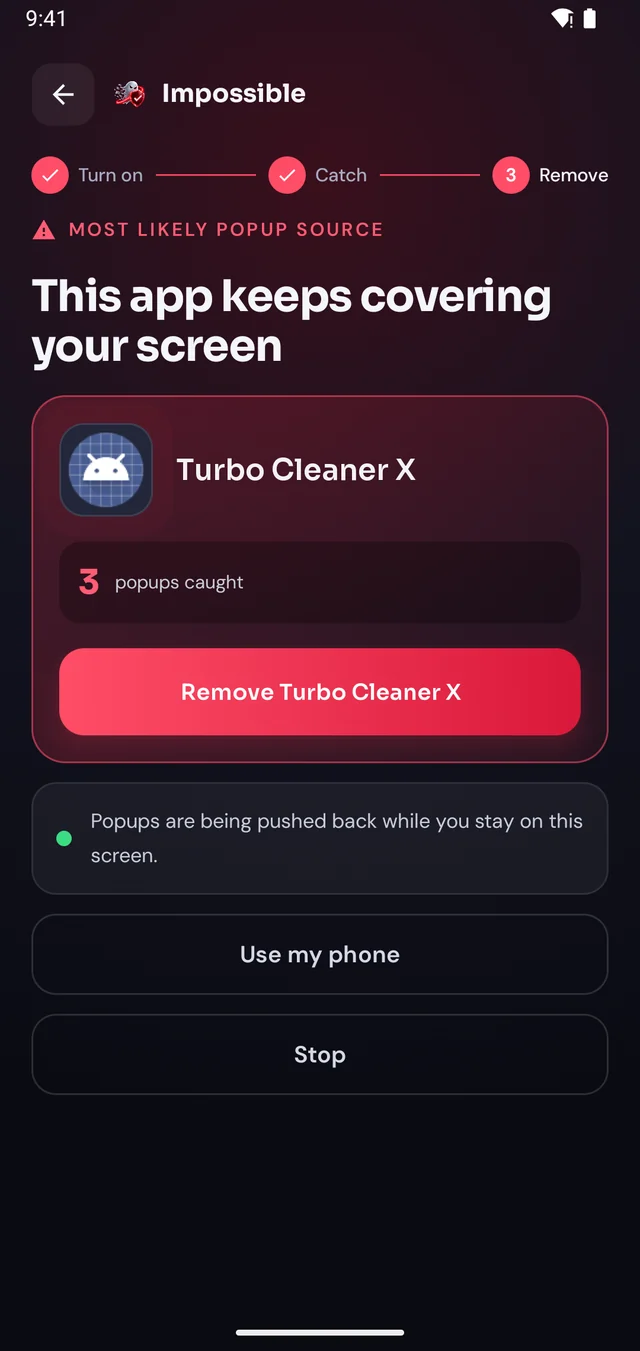
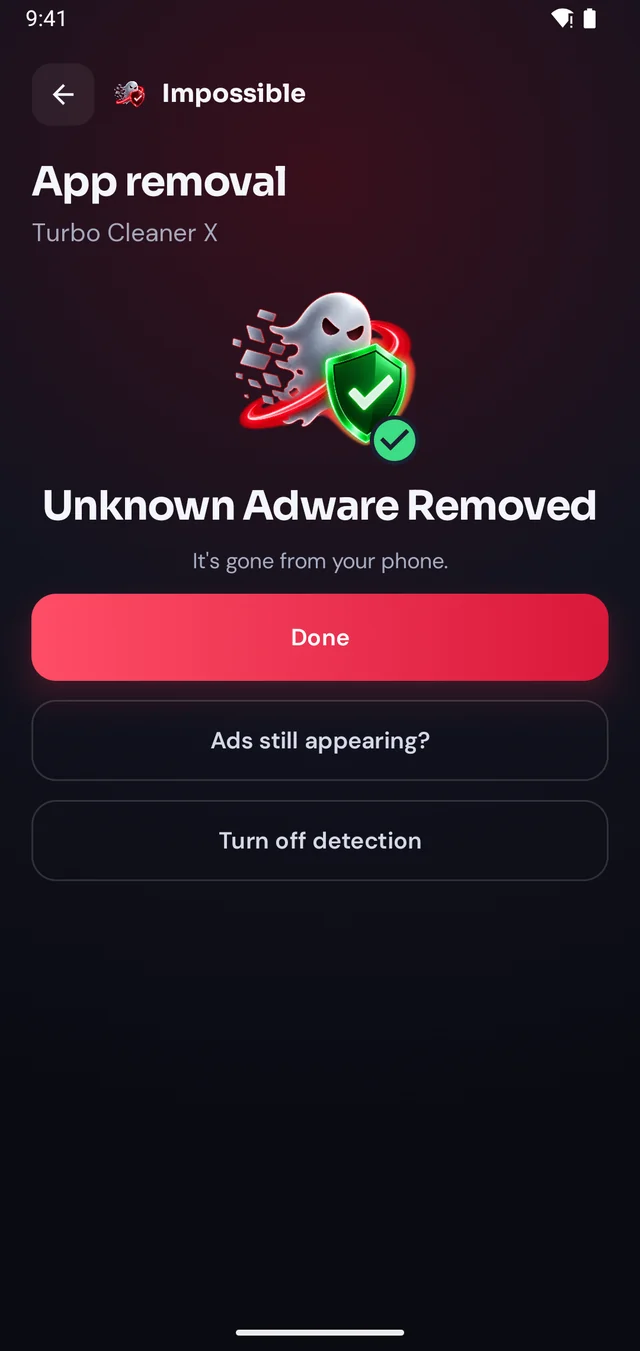
Short answer
To block ads on an Android phone: turn on Chrome’s pop-up blocker (Settings → Site settings → Pop-ups and redirects) and remove untrusted site notifications; use a private DNS ad blocker for many in-app ads; and if full-screen pop-ups cover the home screen and other apps, uninstall the adware app showing them. Impossible Adware Remover catches that app.
Three kinds of ads
Pop-ups and redirects while browsing, or notifications from sites. Chrome → Settings → Site settings: block pop-ups and redirects, and remove sites under Notifications.
Banners and videos inside free games and apps. They pay for the app. Buy the ad-free version, or set a private DNS ad blocker in Settings → Network → Private DNS.
Full-screen ads on the home screen, over other apps, when you unlock. No blocker touches these: an installed adware app draws them. Remove the app and they stop.
Pop-ups over everything
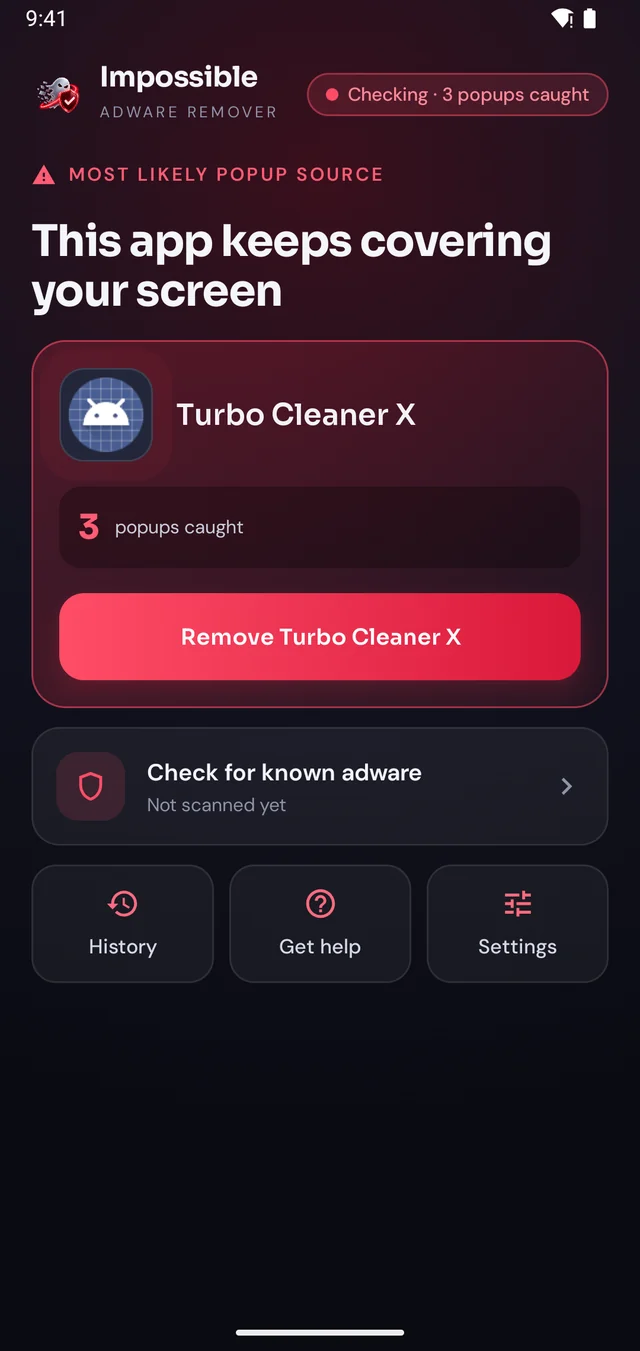
Adware pop-ups keep coming as long as the app is installed. Impossible Adware Remover finds the app, pushes its pop-ups back while you work, and helps you uninstall it.
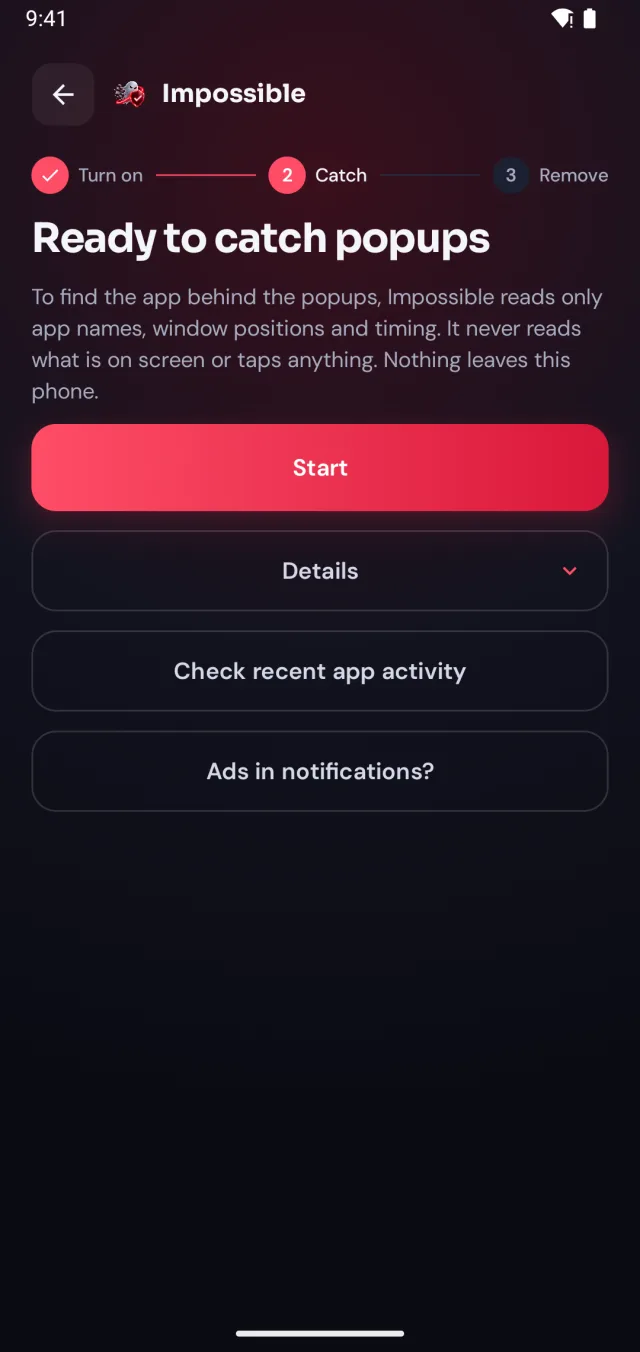
A few taps in Android’s settings, guided step by step. Impossible Adware Remover only sees which app is on screen and when, never what’s on it.
When the next pop-up lands, Impossible Adware Remover notes who sent it. After about two pop-ups it catches the app, even if it hides inside another app.
Finding it was free. Pay €4.99 once to see which app it is, then Android’s own uninstall dialog opens with a removal shield. Gone for good.
The pop-up shield
Stay on Impossible Adware Remover’s screen and every pop-up that tries to cover it is pushed back and counted. Finally, a calm screen where you can see what’s going on, find the app and remove it, without fighting your own phone.
FAQ
Work out which kind of ad it is. Ads that cover your whole screen, even on the home screen, come from an installed adware app: remove it and they stop for good (Impossible Adware Remover finds it for you). Ads in Chrome are stopped in Chrome’s site settings, and ads inside a free app are part of that app.
It depends on the kind of ad. Ads in Chrome: turn on Chrome’s pop-up blocker and a private DNS ad blocker. Ads inside a free app: they’re part of the app, so buy its ad-free version or use another app. Full-screen pop-ups over everything: that’s adware, and it stops only when you remove the app, which Impossible Adware Remover finds for you.
In Chrome, open Settings → Site settings → Pop-ups and redirects and make sure it’s blocked. Also check Settings → Site settings → Notifications and remove sites you don’t trust. This blocks pop-ups from websites, not from apps.
A private DNS ad-blocking service (Settings → Network → Private DNS) blocks many ads in browsers and apps by refusing to load ad servers. It doesn’t stop adware that’s already installed from drawing its own pop-ups over your screen.
No. It finds and helps you remove the app behind pop-up ads that cover your whole screen. While you stay on its screen, those pop-ups are pushed back, so you can remove the app in peace. Once the adware is gone, its pop-ups are gone for good.
Ad blockers filter ads inside browsers and apps. Full-screen pop-ups from adware are drawn by an installed app, and keep coming until that app is uninstalled.

Finding the app is free. You pay €4.99 once, only when Impossible Adware Remover has caught it. If the ads come back within 7 days, the next reveal is on us.
Get it onGoogle Play