Xiaomi, Redmi, Poco
In File Manager, Themes, Music, Security and Downloads: settings → turn off Receive recommendations. Then Settings → Passwords & security → Authorization & revocation → revoke msa. Lock screen stories: turn off Glance.
 ImpossibleAdware remover
Get the app
ImpossibleAdware remover
Get the app
Xiaomi · Redmi · Oppo · Vivo · Realme
These phones show their own ads in system apps, and that part is a few switches. But if ads cover your whole screen over other apps, no switch helps: an installed app is drawing them.
Free to find · €4.99 to reveal & remove · no subscription
Short answer
To stop ads on Xiaomi, Redmi, Oppo, Realme and Vivo phones, turn off the system ads with the “recommendations” switch in each system app’s settings (on Xiaomi also by revoking msa in Authorization & revocation). Full-screen pop-up ads over the home screen and other apps come from an installed app; Impossible Adware Remover catches it after about two pop-ups.
The phone’s own ads
In File Manager, Themes, Music, Security and Downloads: settings → turn off Receive recommendations. Then Settings → Passwords & security → Authorization & revocation → revoke msa. Lock screen stories: turn off Glance.
In App Market, Theme Store, Browser and Phone Manager: settings → turn off recommendations and push. In Settings, search “recommend” and “personalised ads”.
In V-Appstore, i Theme and Browser: settings → turn off push messages and recommendations. Search Settings for “ads” to find the rest.
Menu names change between versions, so if a step doesn’t match, use the search bar in Settings. And if you’ve switched everything off and ads still jump over WhatsApp or the home screen: those aren’t from Xiaomi, Oppo or Vivo. That’s an app.
The fix
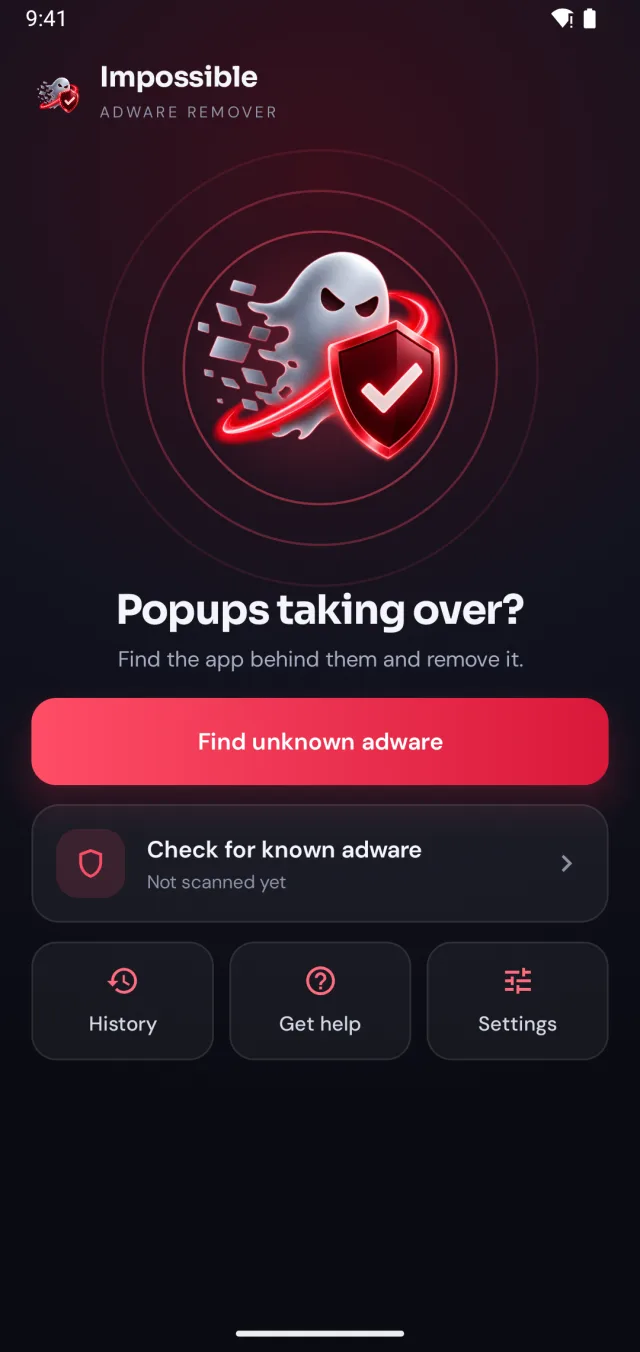
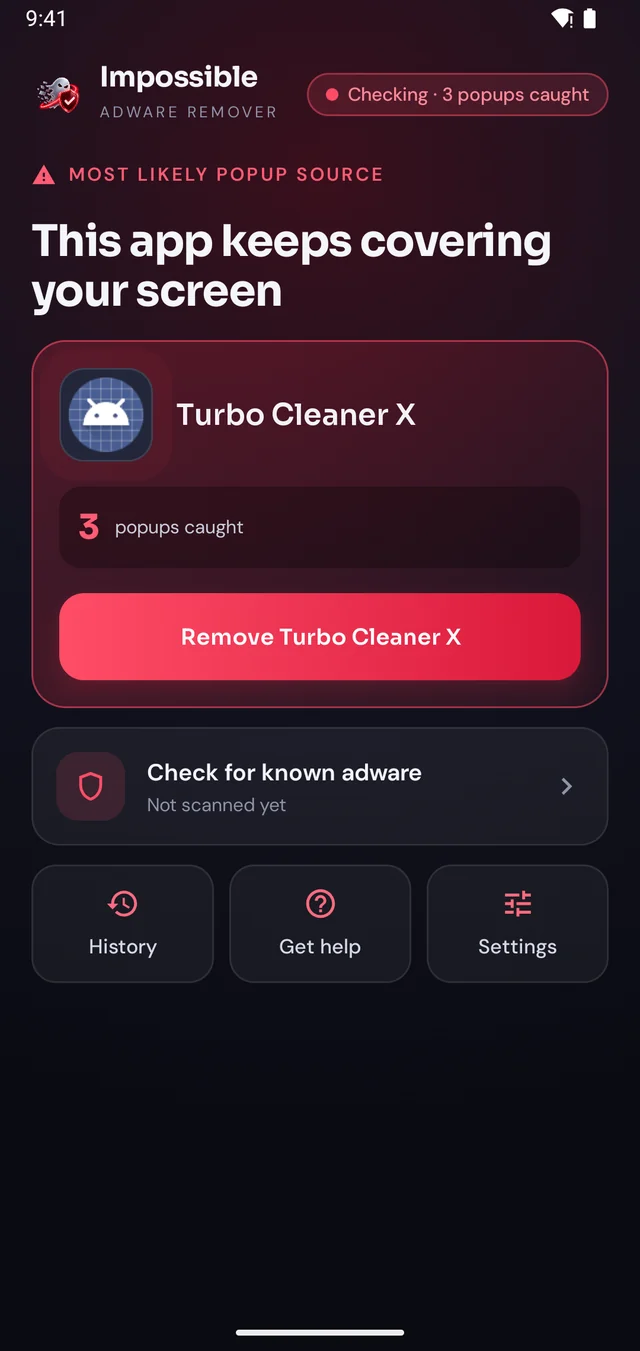
Impossible Adware Remover doesn’t make you guess. It watches which app puts windows on top of your screen and catches it in the act.
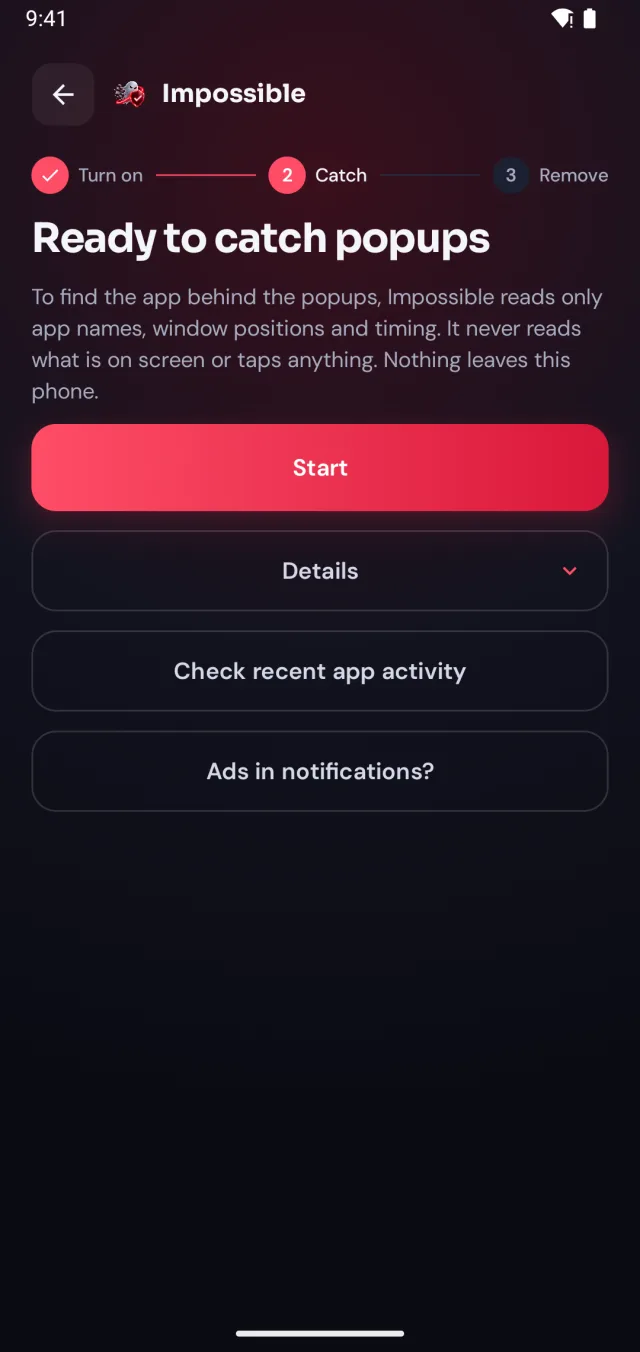
A few taps in Android’s settings, guided step by step. Impossible Adware Remover only sees which app is on screen and when, never what’s on it.
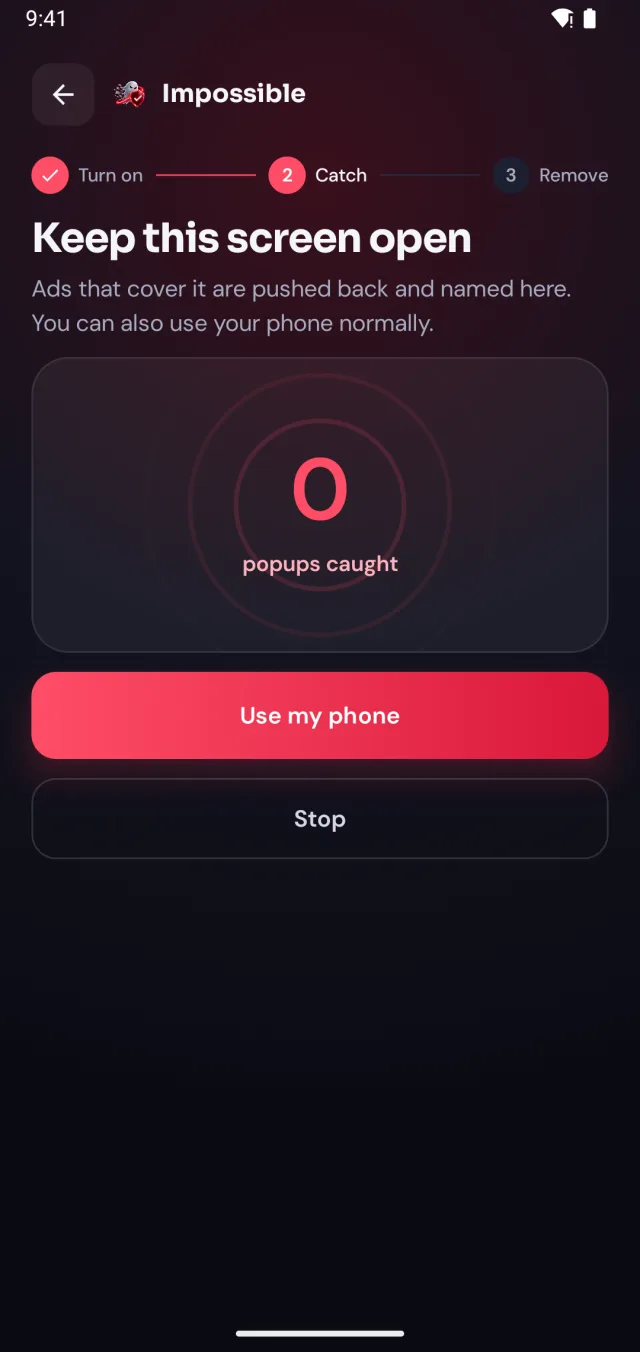
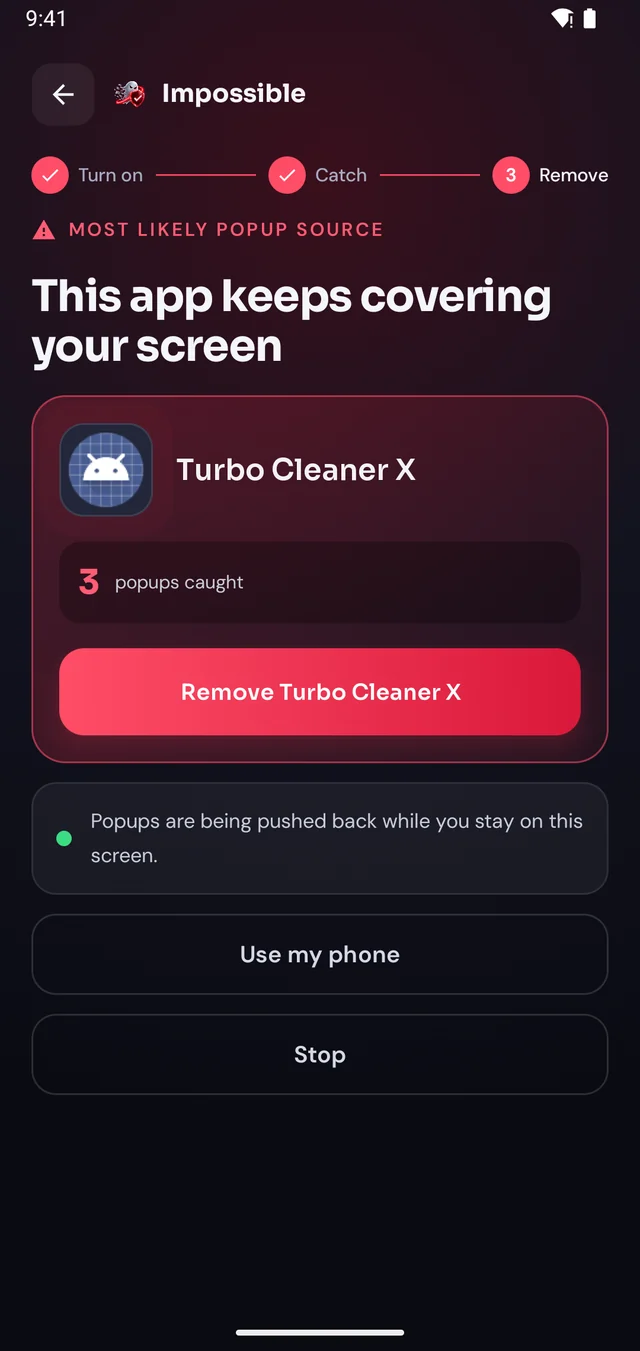
When the next pop-up lands, Impossible Adware Remover notes who sent it. After about two pop-ups it catches the app, even if it hides inside another app.
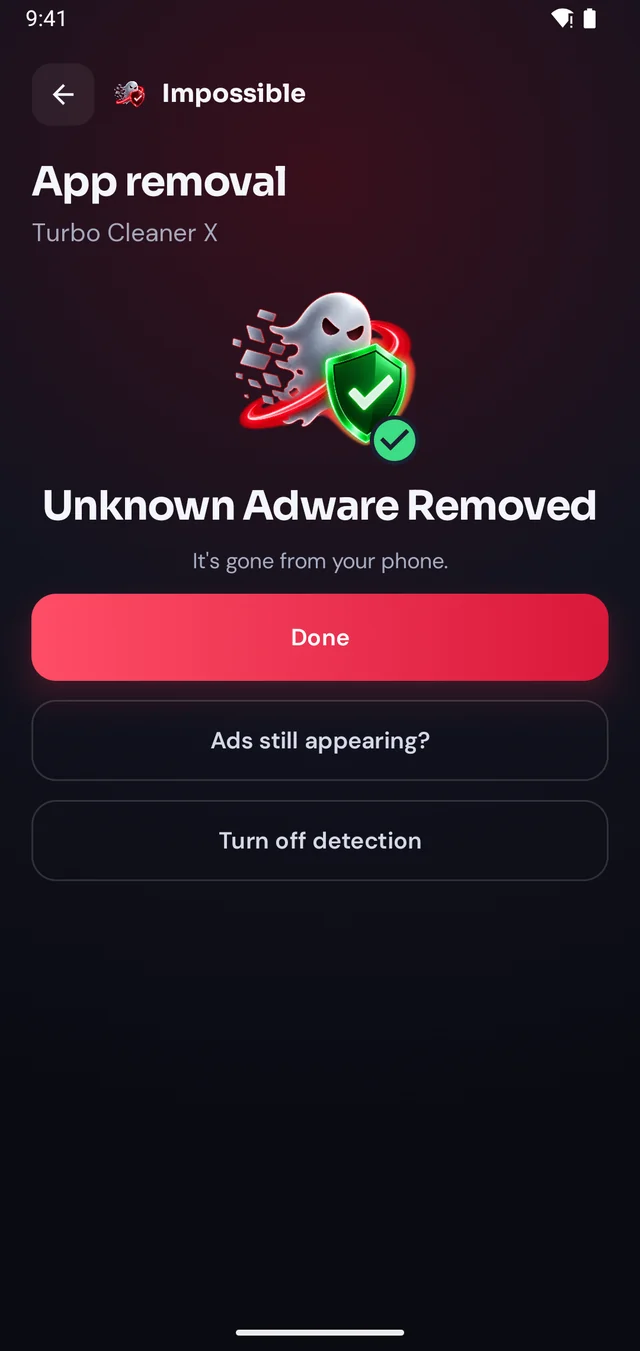
Finding it was free. Pay €4.99 once to see which app it is, then Android’s own uninstall dialog opens with a removal shield. Gone for good.
The pop-up shield
Stay on Impossible Adware Remover’s screen and every pop-up that tries to cover it is pushed back and counted. Finally, a calm screen where you can see what’s going on, find the app and remove it, without fighting your own phone.
FAQ
System ads in MIUI and HyperOS come from “recommendations” in Xiaomi’s own apps: open each app (File Manager, Themes, Music, Security, Downloads), go to its settings and turn off Receive recommendations. Revoking msa under Settings → Passwords & security → Authorization & revocation turns off more on many versions. Full-screen pop-ups over other apps come from an installed app instead.
In ColorOS and Realme UI, turn off recommendations in the system apps’ settings (App Market, Theme Store, Browser, Phone Manager) and in Settings search for “recommend” or “personalised ads”. Pop-ups over the home screen and other apps come from an installed app.
In Funtouch OS and OriginOS, open the system apps (V-Appstore, i Theme, Browser) and turn off push and recommendation settings, and search Settings for “ads”. Full-screen pop-ups over everything are an app, not a setting.
Because those pop-ups aren’t from the phone maker. Full-screen ads that cover the home screen or other apps are drawn by an installed app, often hidden inside a normal-looking one. Impossible Adware Remover catches it after about two pop-ups.
Yes. It works on Android phones from any brand. These phones have extra battery and permission settings, and the setup screen walks you through them.

Finding the app is free. You pay €4.99 once, only when Impossible Adware Remover has caught it. If the ads come back within 7 days, the next reveal is on us.
Get it onGoogle Play